Build emails with AI.Preview them in real inboxes.
See how your draft looks in Gmail, Outlook, and Apple Mail, then make changes before you send.
From draft to inbox
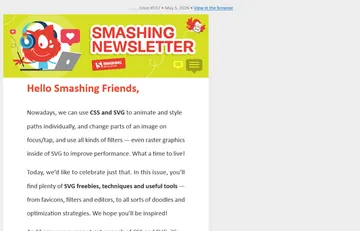
Ask a coding agent connected to Preflight via MCP to preview your email HTML. Review the screenshots, revise your draft, and run the same check again.
Show me how this email looks in Gmail on iPad and Outlook Classic.
Gmail on iPad
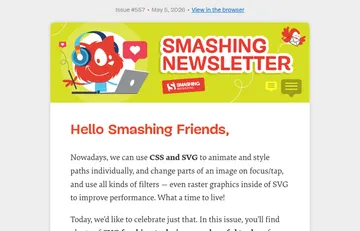
Outlook Classic
Choose how you connect
-
MCP server
Connect a compatible coding agent so it can request real inbox screenshots and review the results as it edits your templates.
Read the MCP docsMCP access is currently in beta and granted on a case-by-case basis. Request access
-
Preflight API
Add real inbox screenshots to your own tools, build scripts, or QA pipeline.
Read the API docs